
PHP powers a huge share of the web, from WordPress blogs to large e-commerce stores. On October 20–21, 2026, the PHP project released urgent security updates for two critical flaws, now known as PHP2Shell. The good news: patched versions are already available, and the path to staying protected is clear.
What PHP2Shell is
PHP2Shell is the name for two remote code execution flaws in the PHP engine itself. Each one is rated 9.2 out of 10 (CVSS v4.0). Because they live in PHP rather than in your site’s code, a well-built website can still be exposed until PHP is updated.
- CVE-2026-109618 – the memory flaw. If PHP runs out of memory partway through handling a request, cleanup can treat half-prepared data as valid. A crafted request can turn that into running the attacker’s code.
- CVE-2026-109619 – the leftover-state flaw. Some request data can outlive the request it belongs to. It is reachable through PHP’s session upload progress feature, which runs before PHP finishes setting up a request.
The flaws were found and responsibly reported by Wiz Research, Calif and OpenAI’s Codex Security team, working with the PHP security team on the fix. Security firms have reported exploitation attempts since the release, so prompt patching is the best move.
Who should act
Any server that uses PHP to serve web pages should be updated. That covers the common setups:
- PHP-FPM (typical on Nginx and many managed hosts)
- Apache with mod_php, which security researchers rate as the most exposed setup
- php-cgi, FrankenPHP and LiteSpeed
The issues reach back many years, to PHP 5.4. If your site runs WordPress, WooCommerce, Drupal, Joomla, Magento or Laravel, it runs on PHP, so this update applies to you.
Safe versions to upgrade to
PHP branch | Update to this version or later |
|---|---|
8.5 | 8.5.12 |
8.4 | 8.4.27 |
8.3 | 8.3.36 |
8.2 | 8.2.35 |
8.1 and older | Move to a supported branch, or use a vendor backport |
Linux distributions and long-term support vendors often patch PHP without changing the version number. If your server uses distribution packages, check the package changelog for the two CVE IDs.
Your 6-step protection checklist
Whether you manage your own server or rely on a hosting partner, these steps keep you covered.
- Check your PHP version. Most hosting dashboards (cPanel, Plesk, managed WordPress panels) show it. Developers can run
php -von the server. - Update PHP itself. Upgrade to a version in the table above. Updating plugins or themes alone does not apply this fix.
- Restart PHP services. Restart Apache, PHP-FPM and any long-running workers so the patched code is the code in use.
- Confirm with your host. On shared or managed hosting, ask your provider to confirm the PHP2Shell patch is live on your plan.
- Add a web application firewall. Providers such as Cloudflare have released rules for known attack patterns. Treat this as extra protection alongside the update.
- Review logs with your developer. Look for unusual spikes in server errors (HTTP 500s), memory-limit errors or unexpected worker restarts around the disclosure date.
For agencies managing several client sites: build a quick inventory of every site, its host and its PHP version. Then work through the list, starting with stores and sites that handle logins or customer data.
At Last,
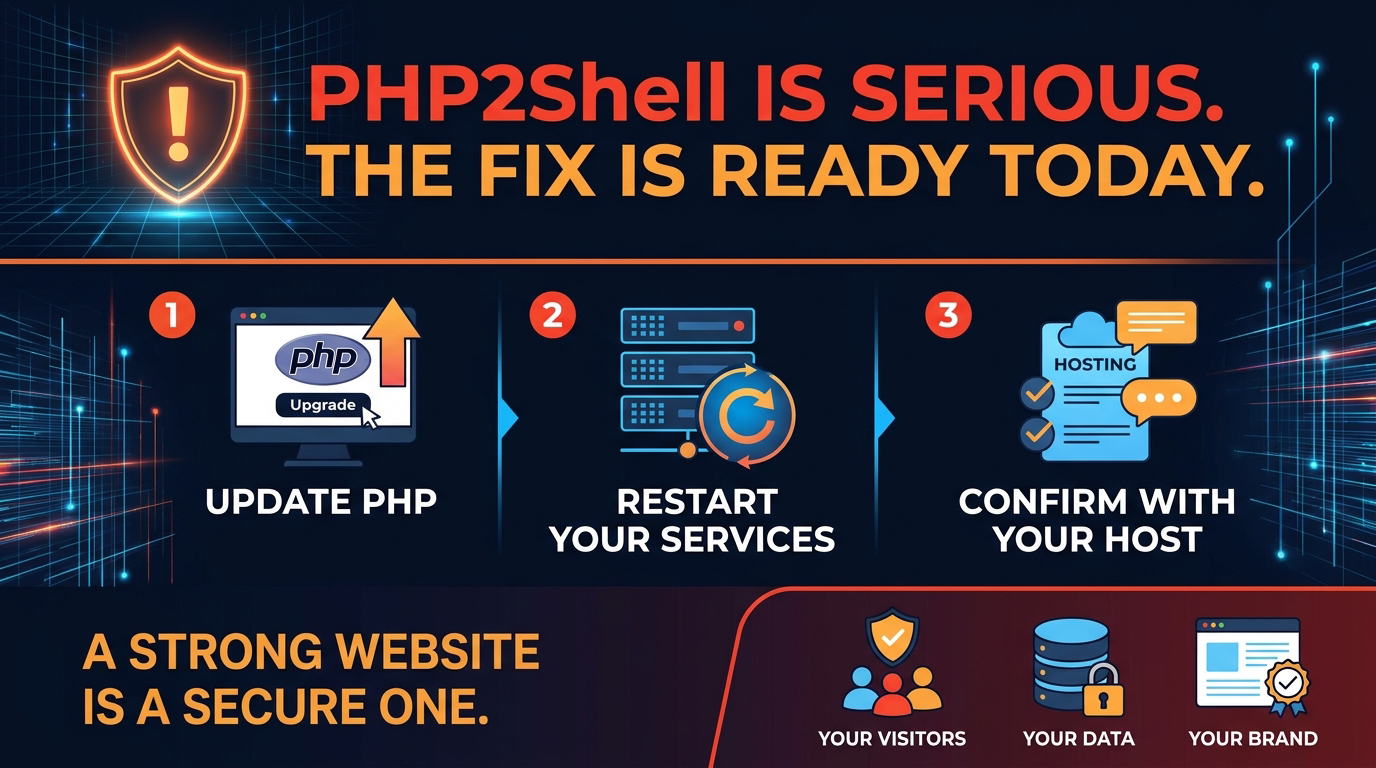
PHP2Shell is serious, and the fix is ready today. Update PHP, restart your services and confirm with your host. Those three steps put your website back on solid ground.
A strong website is a secure one, and quick action now protects your visitors, your data and your brand.